Technical SEO vs On-Page SEO: Key Differences Explained
Search Engine Optimisation (SEO) is the practice of optimising your website for search engines such as Google, Bing, etc to improve website visibility, traffic and user experience.
Broadly, SEO can be divided into three parts:
- On-page SEO
- Off-page SEO
- Technical SEO
The combined implementation of all three types of SEO strategies leads to improved ranking and visibility of your website.
Even though there is no fixed order to execute these SEO strategies on your website, technical and on-page are considered primary SEO strategies that every website should implement to start SEO.
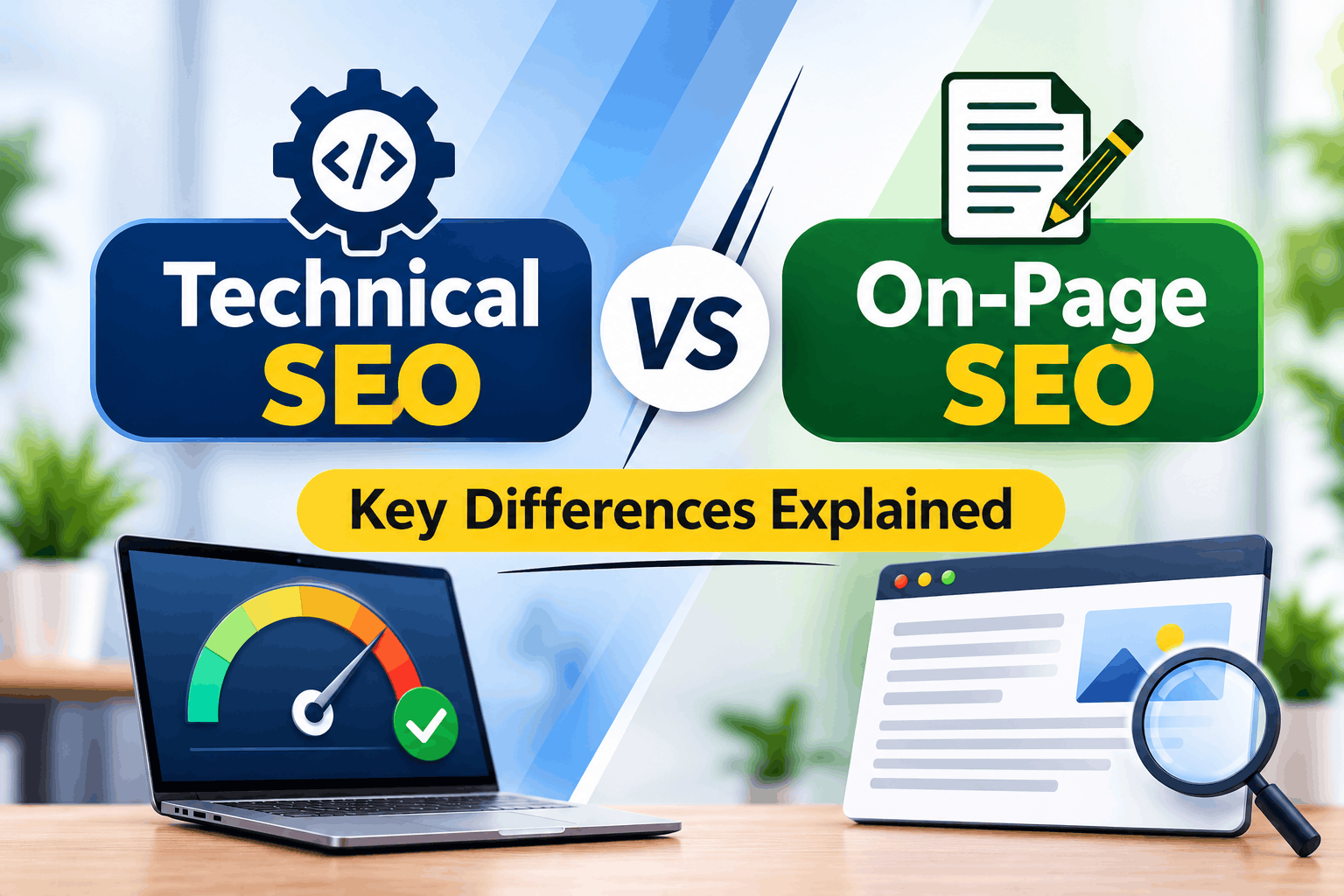
Key Elements of Technical SEO and On-Page SEO
| Technical SEO | On-Page SEO |
| Website crawling and indexing | Title tags and meta descriptions |
| XML sitemap optimization | Heading tag optimization (H1, H2, H3) |
| Robots.txt configuration | Keyword placement and optimization |
| Website loading speed | Content quality and relevance |
| Mobile-friendliness | Internal linking |
| HTTPS and website security | Image alt text optimization |
| Canonical tags | URL structure and readability |
| Structured data and schema markup | Search intent optimization |
| Core Web Vitals | Content structure and readability |
| Redirects and broken link management | Image compression and optimization |
| JavaScript rendering | Anchor text optimization |
| Duplicate URL management | Content freshness and updates |
What is Technical SEO?
Technical SEO is part of optimizing your website so that search engines can discover, crawl, render and index your pages correctly.
This includes the structure of your site, security, how fast your site loads, mobile-friendly elements and URLs. For example, technical SEO can help find why Google isn’t able to find a service page on your site due to a settings issue.
Technical SEO sets up the foundation for your site to show in search but doesn’t guarantee you will get ranked alone.
Key Technical SEO Elements and Best Practices
Website Architecture and Navigation
Your site’s architecture is the way you structure your pages so that users and search engines can easily find the key information. For example, the local plumber website may have a dedicated section for each service mentioned on the menu bar.
Try to make your navigation easy to understand. Ensure that related pages link together and do not put key information too far down the click path.
HTTPS and Website Security
HTTPS is used to encrypt data sent between your website and its users. You can improve security and give a more trustworthy site signal by ensuring you have a valid SSL/TLS certificate installed, all URLs are redirected from HTTP to HTTPS and fixing mixed-content warnings.
XML Sitemaps and Robots.txt
XML Sitemaps consistent all-important URLs that you want search engines to find. Robots.txt files tell compliant crawlers which areas they can crawl on your website.
Create an accurate sitemap, submit it via Google Search Console and ensure you have not accidentally blocked important pages using robots.txt.
Canonical Tags and Duplicate Content Management
Canonical tags indicate search engines which URL you want to be considered as the main version of similar pages. This could be a scenario where there are multiple pages of similar content due to filters on a product page.
By adding canonical tags, ensuring internal linking is consistent and making redirects if you intend on making any permanent changes to your URL.
Page Speed and Core Web Vitals
The Core Web Vitals are a set of metrics that look at how quickly your site loads, responds and remains visually stable. Large images and slow scripts can cause your website to load slowly.
Use the PageSpeed Insights tool to identify any issues. Optimize your images, remove any unnecessary JavaScript and improve your server performance. Use the tool to test key pages on both mobile and desktop.
Mobile-Friendliness
A mobile responsive site can have different elements to help improve navigation on smaller screens. Google search engine will mainly index mobile version of your pages.
Use responsive design to make sure that your content is similar across all devices. Ensure that buttons, menus, images and forms are working correctly on your smartphone.
Breadcrumb Navigation
Breadcrumbs show an easy-to-follow trail of where someone is on your website. Such as Home > Services > SEO so that users can easily go back up to higher sections.
Add obvious and clickable breadcrumbs to the relevant web pages. This makes it easier to navigate around your site and will help search engines see how the different sections of your website are linked.
Pagination
Pagination allows content such as product listings and blog archives to be split into multiple pages. Ensure that your pagination is crawlable.
Your URLs should be unique and include logical navigation throughout. Do not use JavaScript only buttons which make it impossible to see extra items.
Rich Results and Schema Markup
Schema markup is used to provide structured information about a page’s content. This can include a product schema that will give details on the price and availability of products.
Ensure your structured data is accurate, appropriate & test using Google tools. Ensure you meet the criteria to be eligible. However, having valid schema does not guarantee better search results.
hreflang for multi-language
Using the hreflang attribute tells the search engines what language or regional variation of your page best fits the audience. For example, a business may have separate English and Spanish pages.
Ensure you have the right language and region tags applied, link to the relevant pages and ensure the content is appropriate for the page.
What is On-Page SEO
On-page SEO is about optimizing each of your web pages so that they are relevant and provide valuable information for both search engines and users. This covers aspects like keyword research, title, header, internal linking, images and good quality content.
For example, if you are looking to target local SEO services then your page needs to clearly describe what these services are and answer common questions that your customers might have. By having good on-page optimization, it will help your page match what people are searching for.
Key On-Page SEO Elements and Best Practices
Keyword Research and Placement
Keyword research is the process of finding out what words or phrases people search for to find information related to your products or services. Pick and include a primary keyword that you want to target, plus a range of secondary keywords, LSI, NLP and related keywords throughout your title, introduction, subheadings and body copy.
Title Tags and Meta Descriptions
The title tag describes the page in the search results and the tab on the browser. The meta description provides a summary of the page and can impact how many people click on your page.
The ideal length for your meta title is usually between 50-60 characters. For the meta description we’d recommend keeping it to 120-160 characters. Create unique, descriptive and accurate titles for each important page on your site.
Use the meta description to explain what the page is about and why it will help them. Try to avoid any false claims or keyword stuffing.
URL Structure
URLs need to be descriptive so you can easily tell what the page is about. For example /services/technical-seo/ clearly tells people what the page will be about rather than just a random string of letters.
Descriptive terms should be used alongside a consistent structure, and avoid using any unnecessary parameters. Don’t change existing URLs unless there are a good reason and a redirection plan in place.
Heading Structure (H1, H2, H3)
Heading tags are used to organize your content into sections and subsections for better readability. Make sure you clearly label your main heading with an H1 tag. Use H2 tags for each major section of your content and H3 tags for any sub-sections that are related.
For example, you may have H2 headings for technical SEO and on-page SEO within an SEO guide. Headings should be descriptive and make sense.
High-Quality Content
High-quality content is content that fully answers the question and fulfil user intent. Use simple language to explain concepts. Provide examples of how to apply concepts and provide useful detail.
Your content should comply with Google E-E-A-T guidelines. Compare with other content to ensure that information is not missed out. Make sure your content is plagiarism free and human-written AI free.
Don’t add any extra words. Do not copy content or add unnecessary words merely to increase length.
Internal & External Linking
Internal linking builds a navigation network within your existing pages and blogs to help readers and crawlers find related information on your website.
On the other hand, when you link to other websites, it establishes your content as a credible and trustworthy resource. Both internal and external links should have an appropriate and well-defined anchor text.
Make sure links are up-to-date and do not include any irrelevant links purely to manipulate your rankings.
Alt Text Image Optimization
The Alt attribute of an image can help people with visual impairments understand what is shown by providing meaningful information to those using screen readers. It also helps search engines understand what the image shows.
Keep your alt text short and descriptive. For example, ‘Technician checking servers.’ Add blank alt tags to images which are purely for visual appeal. Don’t keyword stuff your alt text.
Technical SEO vs On-Page SEO: Which Should You Prioritize First?
Identify what is causing your website to underperform. If you have pages that are not being crawled or indexed, work on fixing these technical issues. If your pages are being crawled but aren’t providing good answers, work on improving the content and relevance of your pages.
Regularly check Google Search Console and perform a website audit.
Most websites will benefit from both technical and on-page SEO, however how much focus you put on each will depend on your business goals, how bad the issue is, and your resources.
How Technical SEO and On-Page SEO Work Together
Technical SEO and on-page SEO work together to give your website a stable and long-term search rankings. Improving technical elements will help search engines easily crawl your pages, while optimizing content will help meet user needs.
An example would be creating high-quality service pages with good indexability, clear headers, relevant keywords and useful internal linking. By using both SEO techniques, you will create a strong base for good organic visibility. Keep an eye on performance and use real data from your website to adapt your strategy.
Conclusion
Knowing the difference between technical SEO and on-page SEO will help you figure out what needs improving on your site. Technical SEO focuses on improving your website’s accessibility, crawlability, indexability and performance.
On-page SEO focuses on improving your content to make it more relevant and user-friendly. Neither will guarantee rankings by themselves. Audit your website, fix any major issues and constantly improve your pages to ensure long term organic performance.
Want to improve your website’s search visibility? Web Bull India provides SEO services to help businesses identify technical issues, optimize website content, and build a practical strategy for sustainable organic growth. Contact our team to discuss your website’s SEO requirements.
Also Read: Digital Marketing Services
Frequently Asked Questions
Is Technical SEO the Same as On-Page SEO?
No, while Technical SEO helps improve the accessibility and architecture of a website, On-Page SEO is about improving individual pages and their content.
Is Technical SEO More Important Than On-Page SEO?
Both are equally as important depending on the state of your site. If you have poor content and technical issues, prioritize improving these areas first.
Does On-Page SEO Include Technical SEO?
In general no, but they’re two different areas of SEO. There can be some overlap such as internal linking and optimizing URLs.
How Often Should You Perform a Technical SEO Audit?
Audit your site regularly, but also following any major migrations, redesigns, platform changes or other major issues.
How Long Does It Take to See Results from SEO Improvements?
Depending on the state of your site, competition, changes made, crawling, indexing and how the search engines re-evaluate your pages the results will vary.